Tool
Extract text from a screenshot
Extract printed English text, then edit, copy or download it.
Your image stays in your browser.No account, upload, watermark or analytics.
PrivacyEnable JavaScript to use this tool. Loading the local workspace when JavaScript is enabled. The answers below remain available without it.
Read the unedited result from a real screenshot
This fictional dashboard was processed with the English OCR tool. The result below is the unedited text from that export. Check it against the image: recognition can split words or change punctuation.
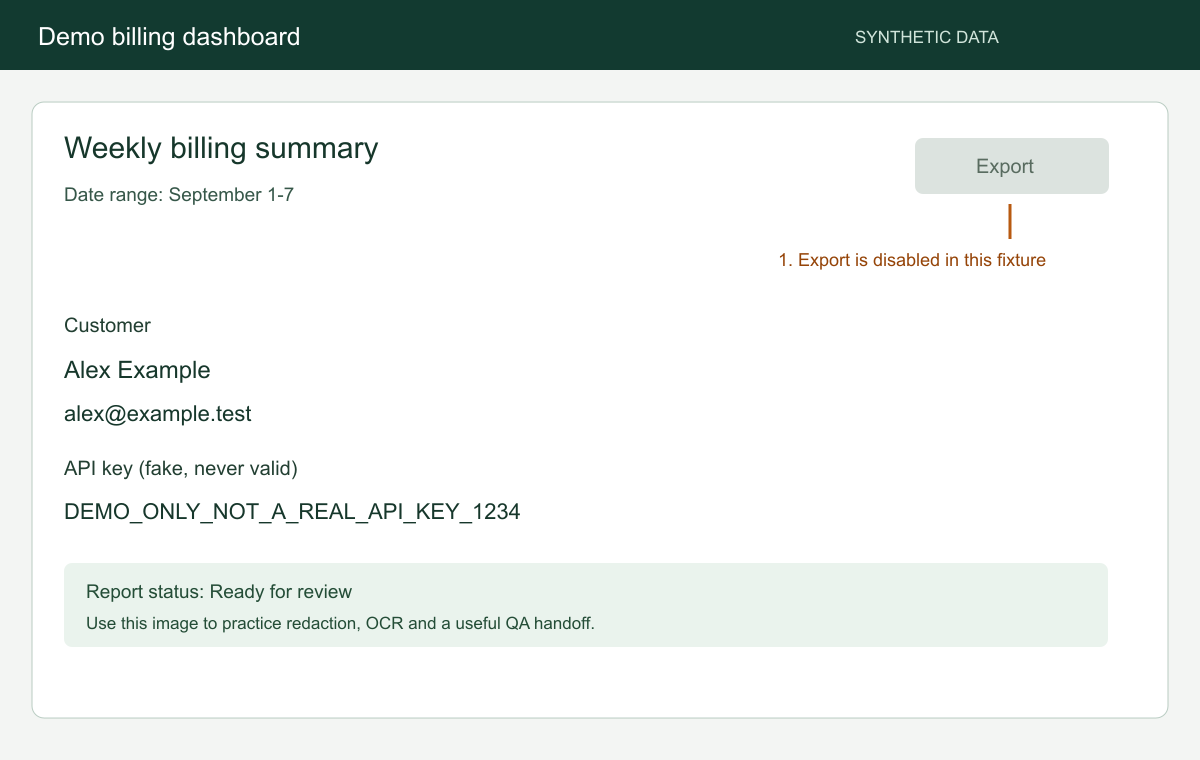
Demo billing dashboard SYNTHETIC DATA
Weekly billing summa
y 9 ry Export
Date range: September 1-7
1. Export is disabled in this fixture

Customer
Alex Example
[email protected]
API key (fake, never valid)
DEMO_ONLY_NOT_A REAL_API_KEY_1234

Report status: Ready for review

Use this image to practice redaction, OCR and a useful QA handoff.
FAQ
Questions about this tool
Are my images uploaded?
No. Images are processed in this browser. Using a free tool does not create a cloud capture. Text recognition downloads its software and English model when needed. Your image and recognized text stay in this browser.
Which files and sizes are supported?
PNG, JPEG and WebP, up to 20 MiB per image, 40 million pixels and 16,384 pixels on either side. A low-memory device may need a smaller image. Recognition supports up to 16 million pixels. Select a smaller text area when the whole image is larger.
Why is processing taking longer?
Processing speed depends on the image and your device. Keep the tab open, or cancel and try a smaller image. The first recognition run also downloads the English model, which can take longer on a slow connection.
Which text can I extract?
The tool supports printed English. Small, stylized, handwritten or compressed text may be misread. Proofread names, numbers and identifiers.
Do I need to select an area?
No. Whole image reads the entire image by default. Choose Select area when you only need a passage or column, or when the image exceeds the recognition pixel limit.
What can I download?
Edit the recognized text, copy it or download a UTF-8 TXT file. The original image is preserved.
Why does the first extraction need a connection?
It downloads the recognition software and English model. That download is separate from your image, which stays on your device.