Comparisons
Captorify vs other screenshot tools
Choose a screenshot tool for the work you need to finish: browser capture, desktop capture, recording, editing or sharing. Compare Captorify with GoFullPage, Awesome Screenshot, CleanShot X, FireShot, Snagit and ShareX, including their free and paid workflows.
How to choose a screenshot tool
Start with where you capture: a browser page, a desktop application or a recording of your screen. Then check support for your operating system and browser.
Next, compare what happens after capture: removing sensitive details, extracting text, exporting PDFs or sharing with access controls. Choose the features needed for your final file or handoff.
- Platform: native desktop app versus cross-operating-system browser extension.
- Privacy: how redaction works and whether captures stay local by default.
- Cost: whether there is a usable free tier without a watermark.
- Output: full-page stitching, PDF export, OCR, sharing, and recording.
What Captorify is
Captorify provides browser-page capture, free public image tools and an optional paid cloud workflow. Use the extension in a supported desktop browser, or open an existing image in a public tool.
- Capture webpages in a supported desktop browser.
- Capture and export locally for free, without a watermark.
- Use free public tools to annotate, combine, redact, extract English text, make PDFs or add a frame to existing images.
- Use a paid plan for cloud editing, reviewed redaction suggestions and protected share links.
Quick comparison
This table summarizes four browser and Mac alternatives. Open a detailed comparison for plan limits, source links and the date the information was checked. ShareX is covered separately below.
Scroll sideways to read all columns.
Where each tool fits
- GoFullPage: full-page capture and PDF export.
- Awesome Screenshot: screenshots, recording and cloud integrations.
- CleanShot X: a Mac app with on-device OCR and protected links.
- FireShot: browser capture with searchable PDF export.
- ShareX: Windows desktop capture, recording and upload workflows.
Captorify privacy stance
Free extension capture and export keep the image on your device when sync is off. The paid cloud editor requires a synced capture. Existing images can be annotated, combined, redacted, read with English OCR, converted to PDF or framed locally with the free public tools.
In the paid editor, review suggested sensitive regions and add anything missed. Use opaque blackout for secrets and inspect the exported image. If an image must remain off cloud storage, turn off Sync captures to cloud before capture and use the public redactor on the local file.
Pick your comparison
Open the comparison for the tool you already use or the workflow you need.
- Captorify vs GoFullPage for full-page capture and PDF.
- Captorify vs Awesome Screenshot for recording and cloud sharing.
- Captorify vs CleanShot X for Mac desktop and browser workflows.
- Captorify vs FireShot for browser capture and PDF export.
- Captorify vs ShareX for Windows desktop and browser workflows.
Related page for this task Compare Captorify and Snagit
Related page for this task Compare Captorify and ShareX
How these comparisons are maintained
Prices and competitor capabilities are checked against official documentation, with dates and source links on each comparison. A vendor feature claim and an observed hands-on result are labeled separately.
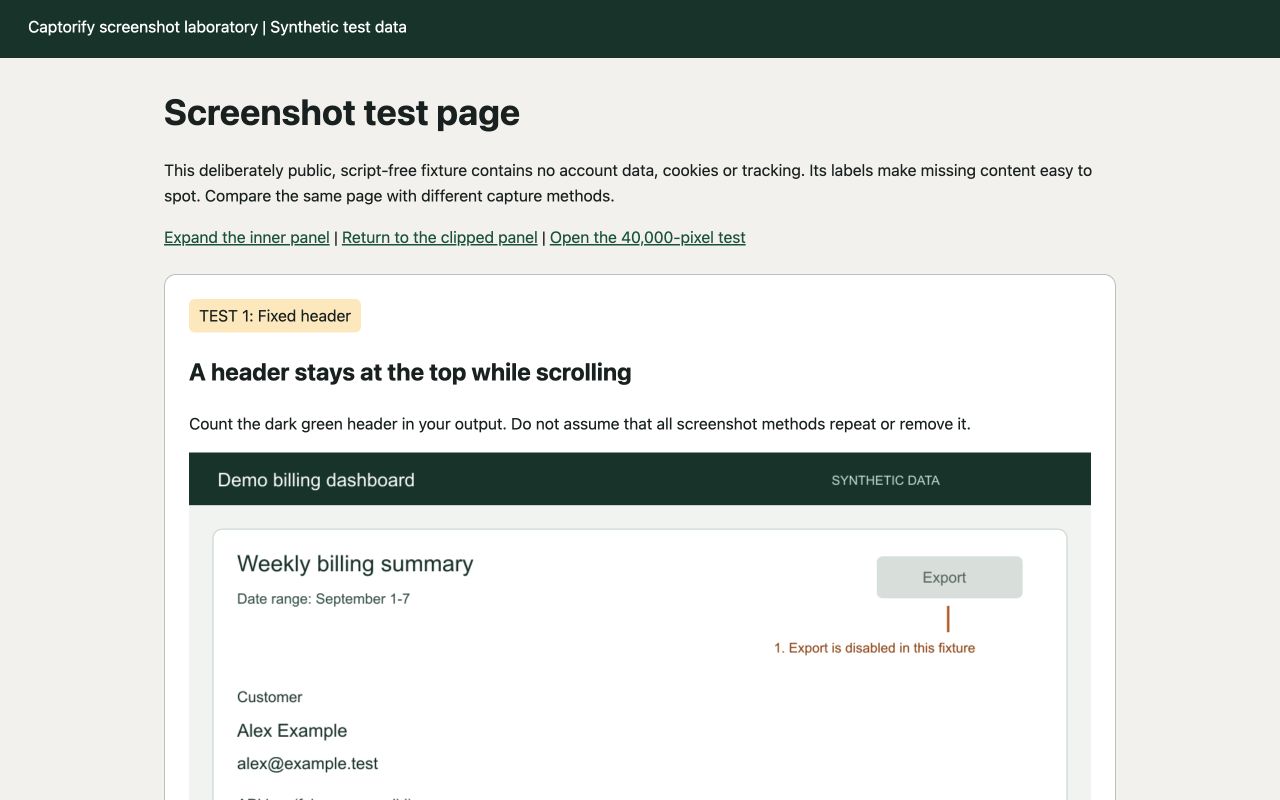
Use the same example capture fixture for your own evaluation. Check the specific browser, plan and final file rather than assuming one product wins every screenshot task.
Captorify vs GoFullPage
Captorify and GoFullPage both offer free full-page browser capture with local PNG, JPG and PDF export.
Captorify vs Awesome Screenshot
Awesome Screenshot combines screenshots, recording and cloud collaboration.
Captorify vs CleanShot X
CleanShot X is a native Mac capture and recording application.
Captorify vs FireShot
FireShot is worth evaluating when batch webpage capture or searchable web-to-PDF output is central.
Free tools
Annotate, combine, redact, convert to PDF, extract text or add a frame.
Shared capture test kit
Use the same test page and settings to compare full-page screenshot methods.
Read our editorial approach
Captorify is a browser screenshot product built and operated by the team behind Infinitm.
Compare Captorify and Snagit
Choose Captorify for webpage screenshots and local image tools, with paid options for cloud editing and sharing.
Compare Captorify and ShareX
ShareX is a free, open-source Windows application with capture, recording, editing and upload workflows.