Tool
Redact a screenshot
Cover private details and download a new PNG.
Your image stays in your browser.No account, upload, watermark or analytics.
PrivacyEnable JavaScript to use this tool. Loading the local workspace when JavaScript is enabled. The answers below remain available without it.
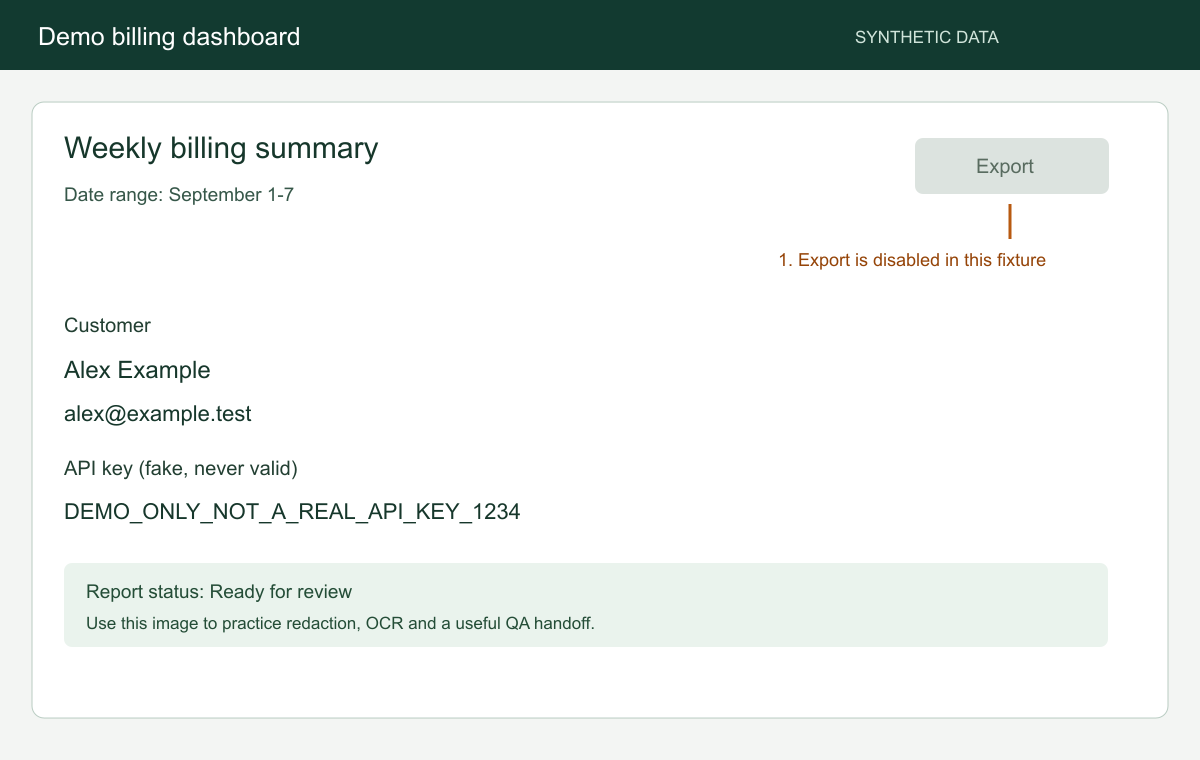
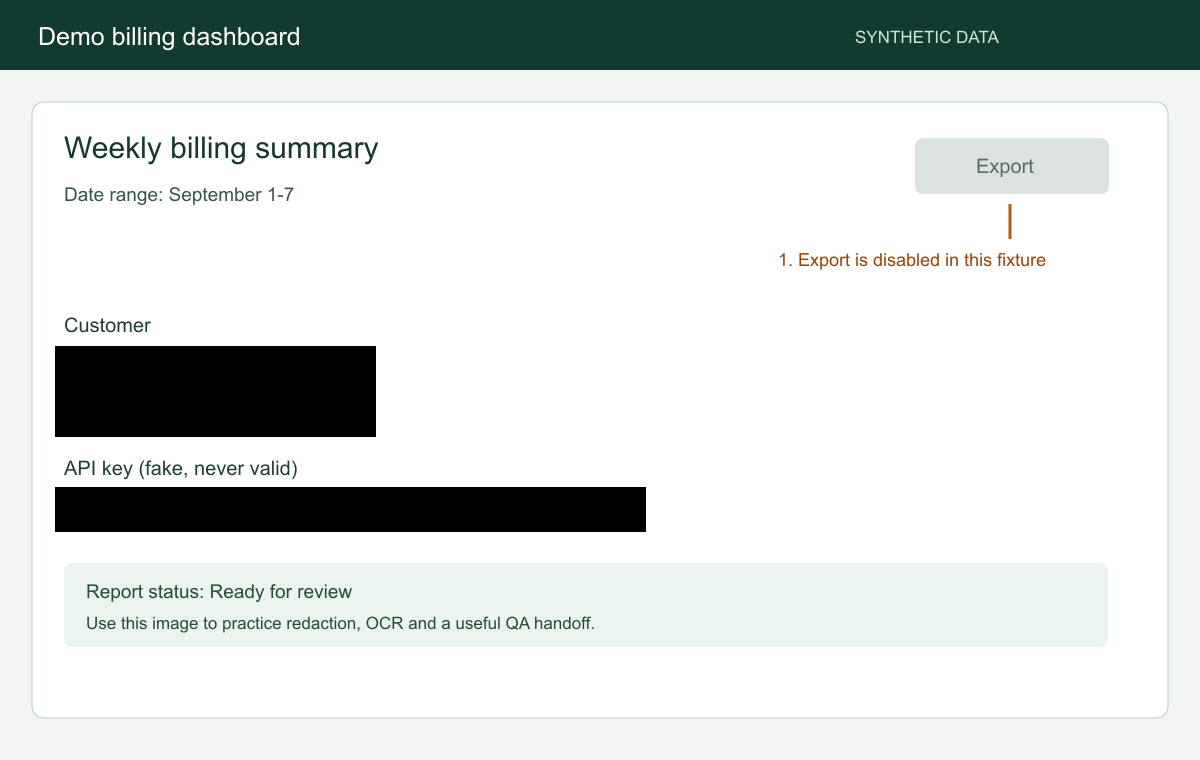
Compare the source with the flattened PNG
Use Black for sensitive values, then inspect the entire downloaded PNG. The fictional source contains an invented name, email and fake key. The example result has opaque replacement pixels at those values.
FAQ
Questions about this tool
Are my images uploaded?
No. Images are processed in this browser. Using a free tool does not create a cloud capture. Text recognition downloads its software and English model when needed. Your image and recognized text stay in this browser.
Which files and sizes are supported?
PNG, JPEG and WebP, up to 20 MiB per image, 40 million pixels and 16,384 pixels on either side. A low-memory device may need a smaller image. Find suggestions accepts images up to 16 million pixels.
Why is processing taking longer?
Processing speed depends on the image and your device. Keep the tab open, or cancel and try a smaller image. The first recognition run also downloads the English model, which can take longer on a slow connection.
What is included in the download?
A flattened PNG with your Black, Blur and Pixel areas applied. Suggested areas are included only after you accept them. Your original file remains separate.
Can covered information be recovered?
Black replaces covered pixels with opaque black in the exported PNG. Blur and Pixel can leave information readable or recoverable. Use Black for sensitive information and inspect every edge and the rest of the saved image.
Does the tool find private information automatically?
Find suggestions reads printed English and proposes areas for email addresses, URLs, IP addresses, API keys, phone numbers and credit cards. You accept or dismiss each proposal. It can miss information; review the whole image.
How do I edit an area?
Draw or add an area, select it, and drag its corners to resize. Arrow keys move it; hold Shift to move it by 10 pixels. Delete removes the selected area and Escape clears the selection. You can add up to 100 areas. Undo restores the latest 50 changes.