Guide
Why screenshot OCR misses or misreads text
If screenshot OCR returns missing or incorrect text, check the source image and the area selected for recognition. Captorify's free OCR tool reads printed English. Small text, compression, crowded layouts or another language can affect the result. Compare the extracted text with the image before using it.
Match the symptom to the next check
Use the best source available
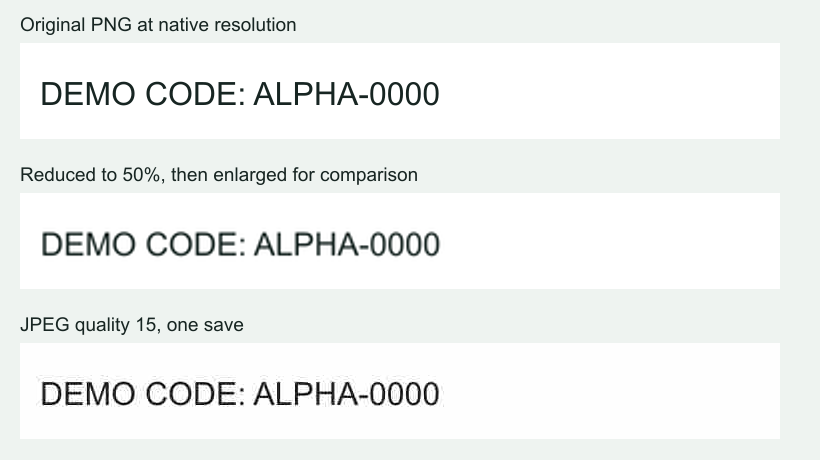
Use the original screenshot rather than a thumbnail, compressed chat image or photograph of a monitor. If the webpage remains available, capture the relevant area again with readable text.
A large file is not automatically a clear source. Enlarging blurred text adds pixels without recovering its original letter shapes. Check the characters themselves at a useful zoom.
Related page for this task Try the English screenshot OCR tool
Recognize one region at a time
Select the paragraph, dialog or error message you need. Sidebars, headers and adjacent columns can confuse the reading order. Review the selection before running recognition.
After changing the source or selected area, run recognition again. A previous result can belong to a different region. Check the tool's result status before copying or downloading it.
Check high-impact characters manually
Pay particular attention to zero versus O, one versus l or I, punctuation, minus signs, decimal points and line breaks. A small OCR error can change a command, amount or identifier.
OCR is a transcription aid. Do not run a copied command or rely on a copied credential without comparing it to the original. Redacting the image later does not remove sensitive text already copied elsewhere.
Compare an image with its OCR result
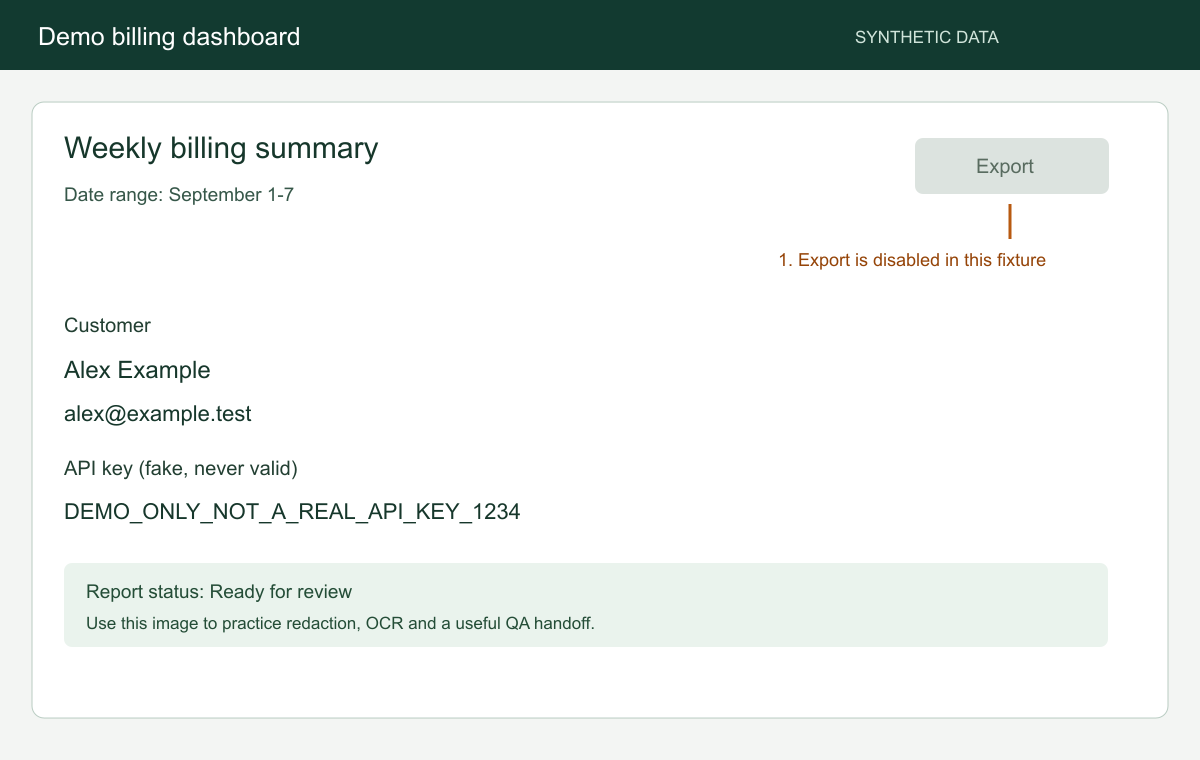
Open the sample dashboard and its unedited OCR output side by side. Compare the labels, numbers and reading order to see where recognition made mistakes.
This example shows what to check in your own result. Accuracy will vary with the image, font, language and layout.
FAQ
Common questions.
Short answers about capture, privacy, sharing, and billing.