Captorify

Tool

Combine screenshots into one image

Arrange screenshots side by side or in a vertical sequence, then download one PNG. Everything stays in your browser.

Your image stays in your browser.No account, upload, watermark or analytics.
Privacy

Enable JavaScript to use this tool. Loading the local workspace when JavaScript is enabled. The answers below remain available without it.

Build a sequence the reader can follow

  1. Add your screenshots

    Choose, paste or drop PNG, JPEG or WebP images. Try the complete three-image fictional sample sequence.

  2. Set the order and layout

    Use Up and Down to reorder images. Choose Vertical or Horizontal, spacing, background and matched or original sizes. The preview contains each complete source.

  3. Download and check the PNG

    Download PNG creates one image. Open it to inspect the order, padding, readability and any repeated headers.

An exported three-image sequence

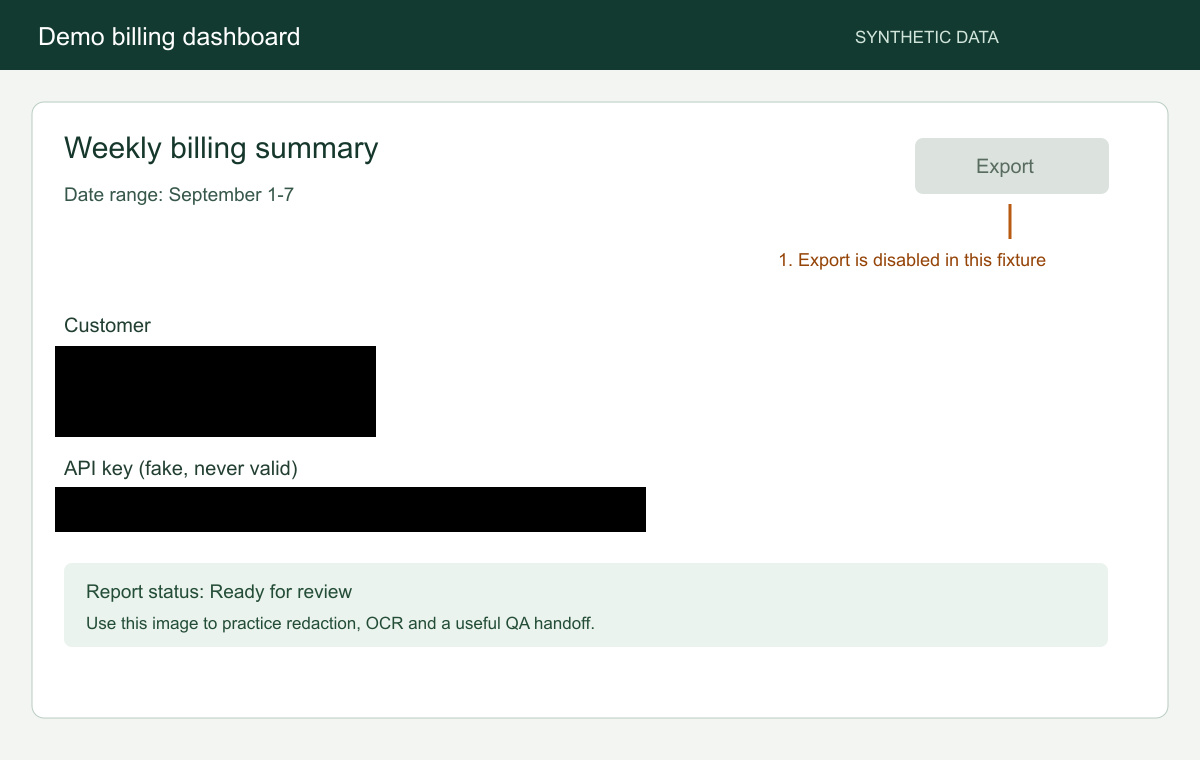
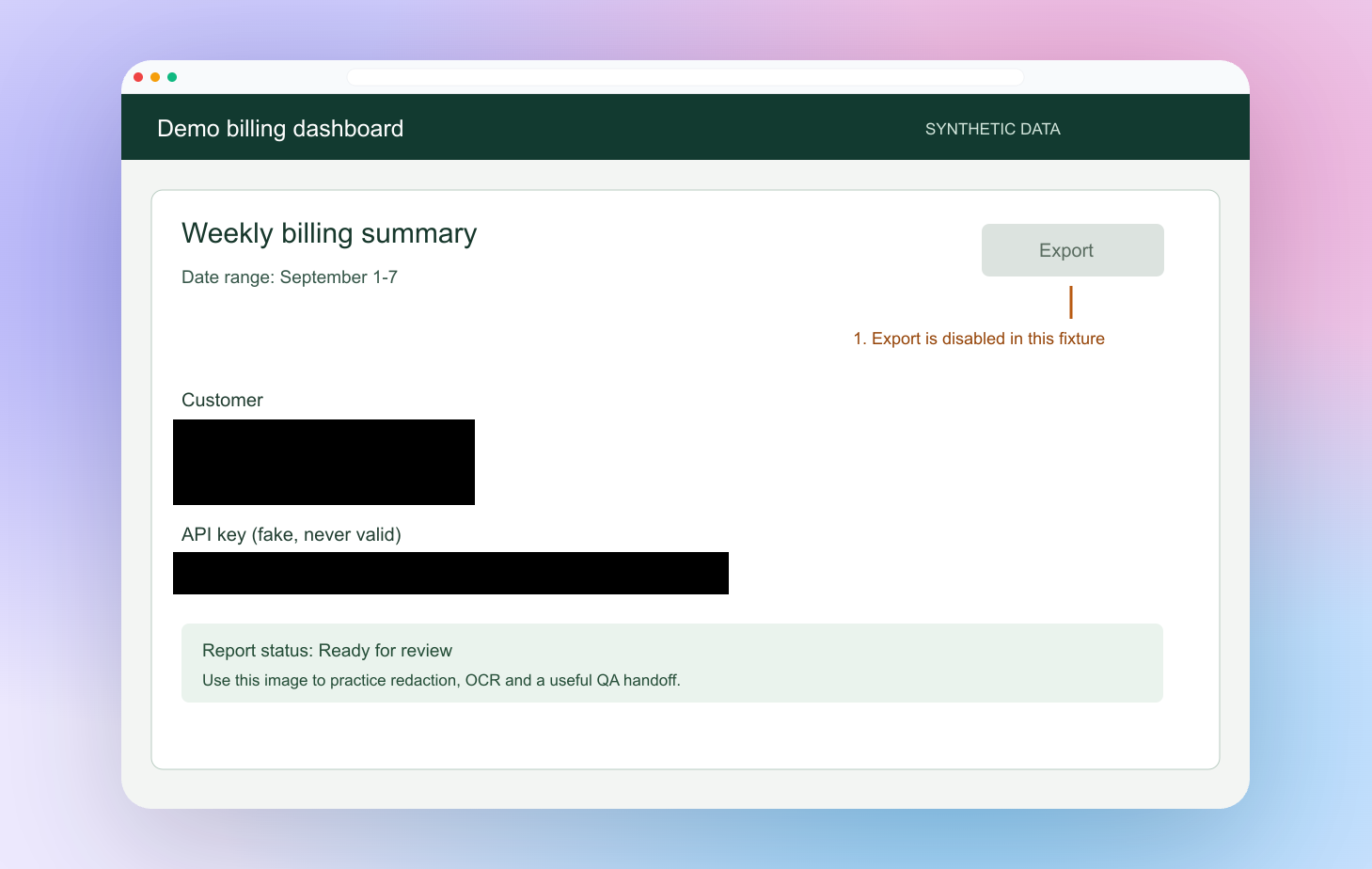
This download contains the complete original, redacted and framed fictional dashboard inputs in that order. Vertical layout uses matched width, a 16-pixel gap and a white background.
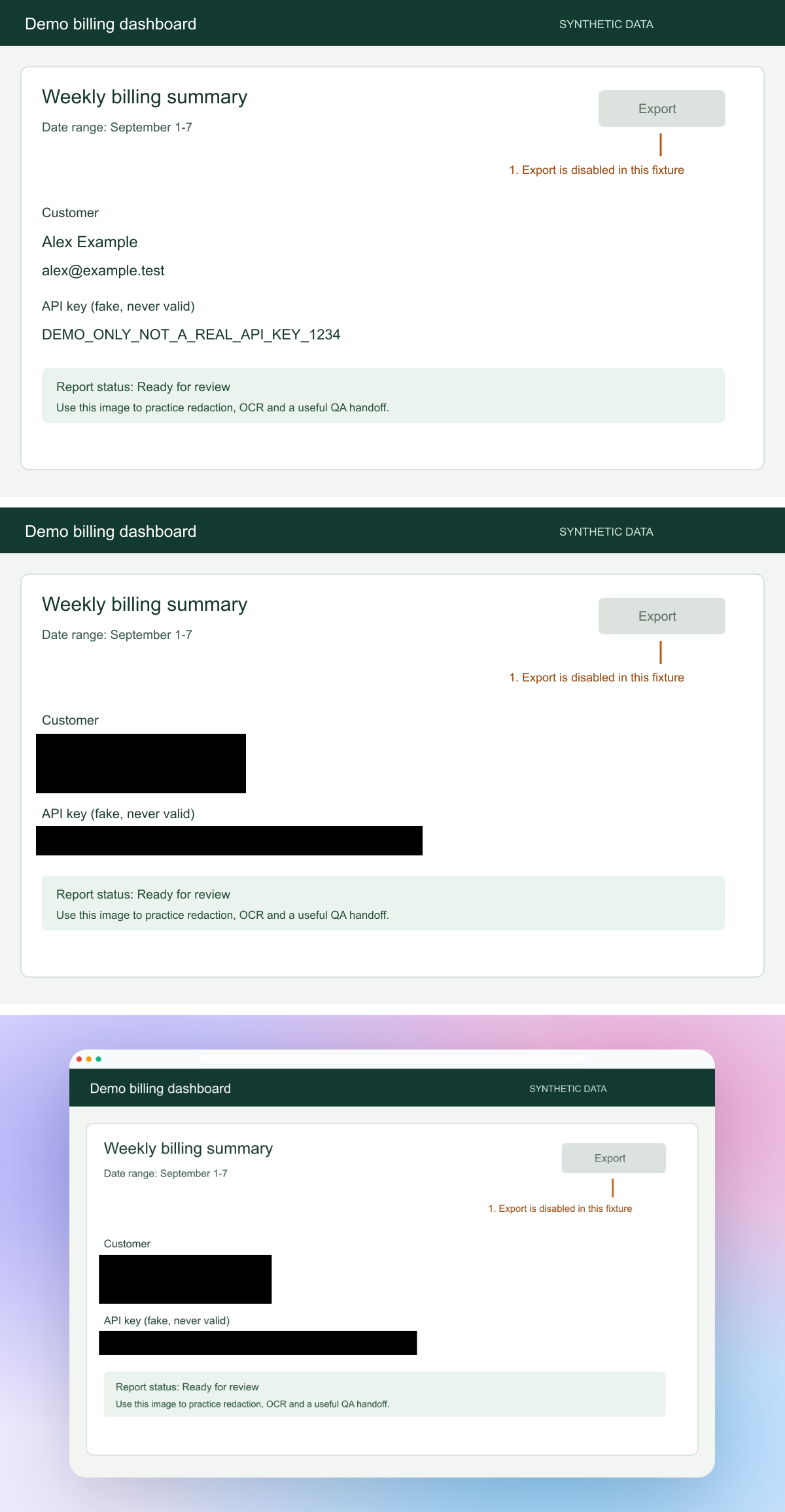
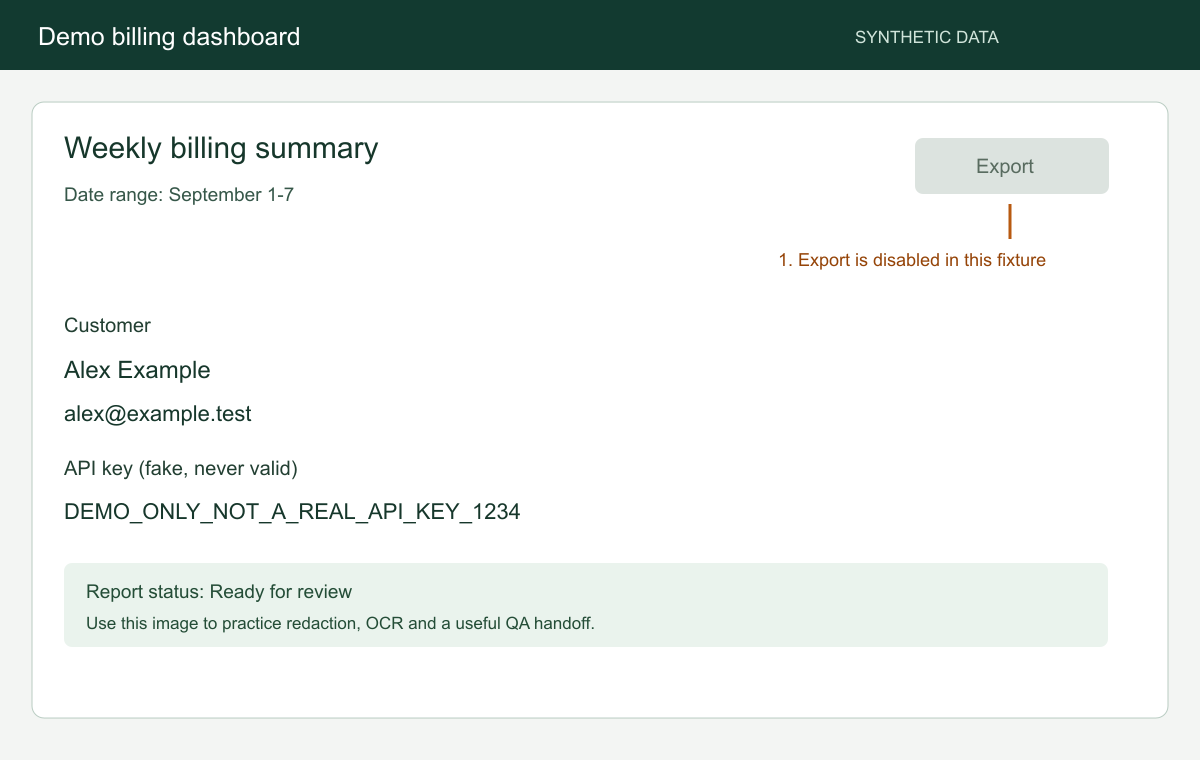
Three complete fictional dashboard screenshots arranged vertically with white gaps
Actual public-tool PNG export, 1200 × 2312 pixels. Complete sources are scaled to the smallest width without enlargement.
Download the combined example PNG

Manual arrangement keeps the complete images

This tool does not automatically stitch overlaps, remove repeated headers or infer a sequence. Crop unwanted overlap before adding images. Match width or Match height shrinks larger images to the smallest cross-axis size; Keep original sizes preserves each image and centers it with background padding.

FAQ

Questions about this tool

Are my screenshots uploaded?
No. Source images, previews and the output PNG stay in this browser tab. There is no account, image upload, analytics or watermark. Software and optional fictional samples load from this website.
What are the input and output limits?
PNG, JPEG and WebP files can be up to 20 MiB, 40 million pixels and 16,384 pixels on either side. Large images can still exceed the memory available on your device. Add up to 12 images, 50 MiB and 60 million source pixels combined. The result must stay within 40 million pixels and 16,384 pixels on either side. Export has a 120-second deadline.
Can I keep every image at its original size?
Choose Keep original sizes. Smaller images are centered with background padding. Matched sizes shrink larger images uniformly and never enlarge a source.
How much spacing can I add?
Spacing ranges from 0 to 80 pixels in steps of 4. Gaps appear only between images. Choose white, warm gray, near-black or pale purple for the background.
Does this stitch a scrolling screenshot automatically?
No. It arranges complete images in the order you choose. Overlaps and repeated headers remain. Use a full-page capture for one continuous webpage or a PDF when separate pages suit the handoff.