Guide
How to capture content inside a scrolling panel
A full-page screenshot follows the outer document. A table or panel with its own scrollbar can still hide rows. Expand that panel, use its export command, or capture overlapping sections of the panel itself.
Check which scrollbar moves
Scroll over the panel, then scroll outside it. If different content moves, there are two viewports. Capturing the outer document does not by itself remove the inner panel’s clipping.
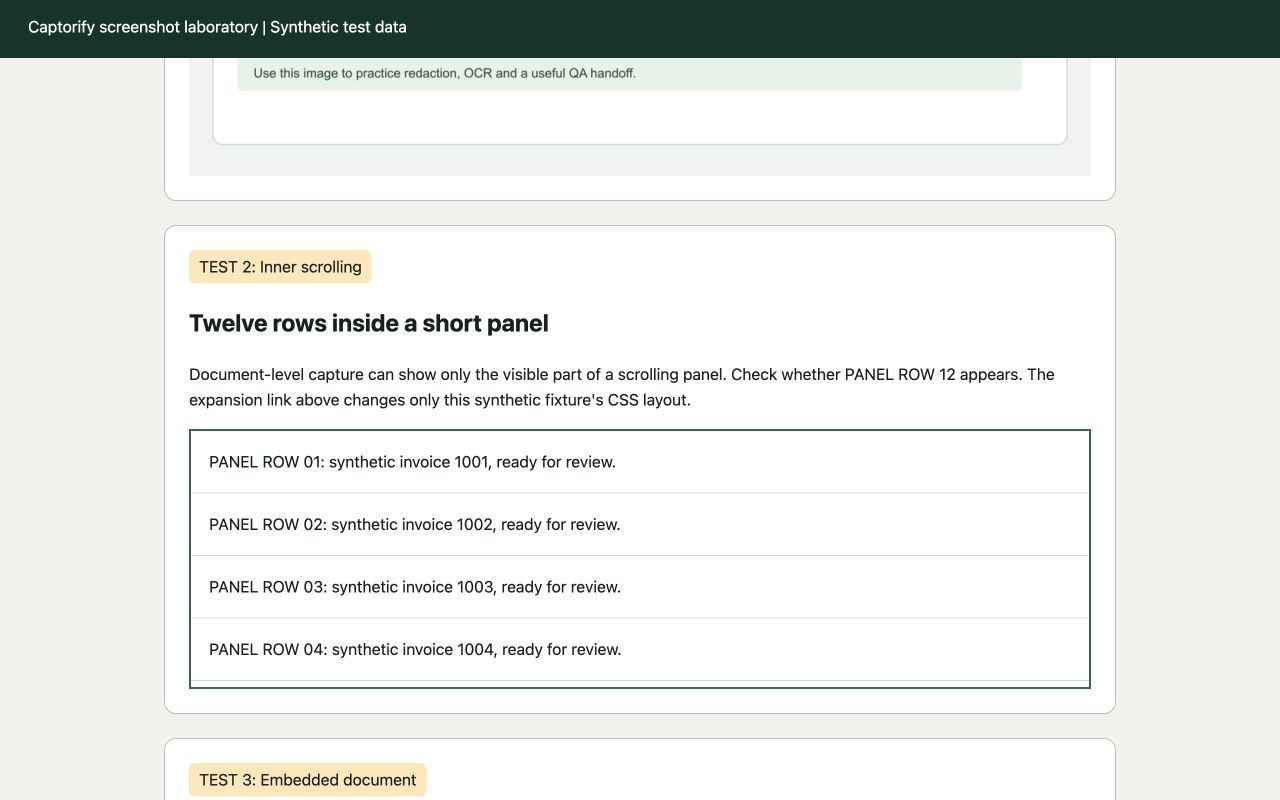
A reproducible before-and-after test
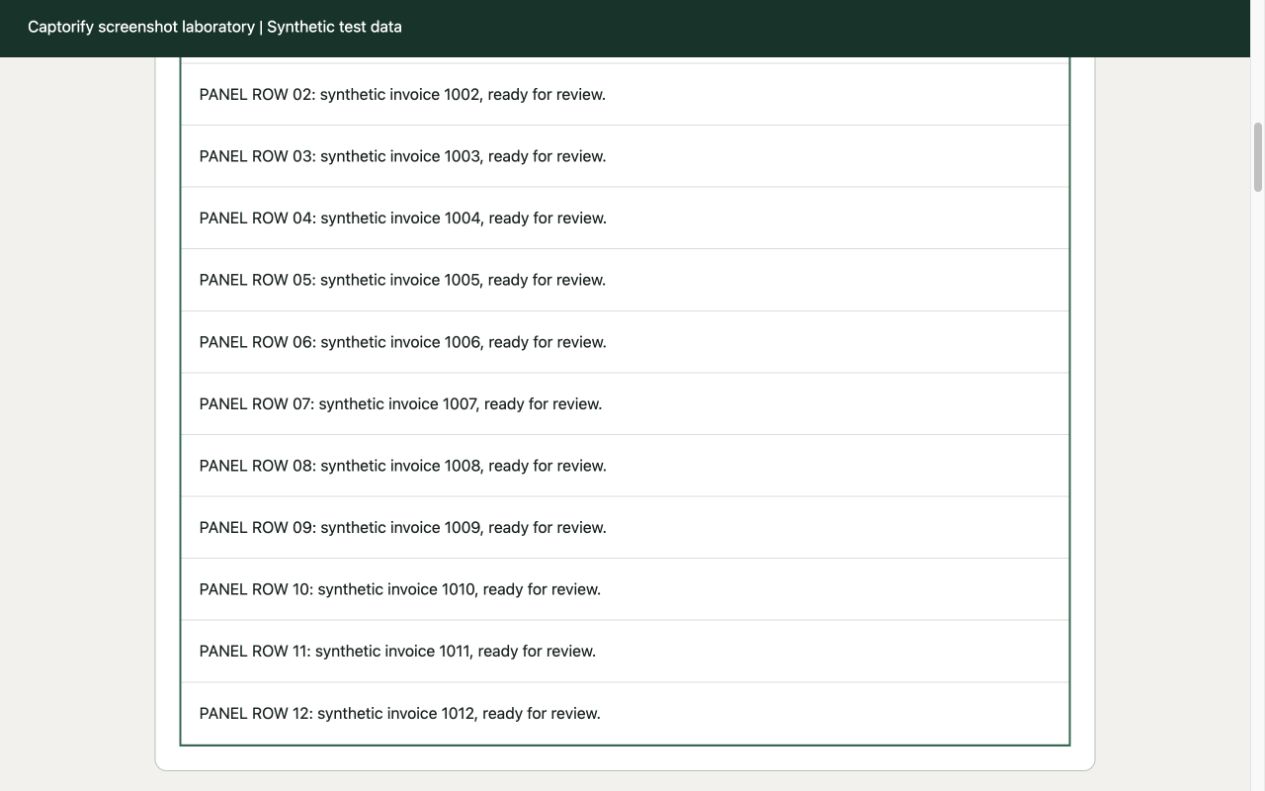
Our example invoice panel has 12 numbered rows. In the clipped state, its visible content height is 256 CSS pixels while the full content is 751 pixels high. The Expand panel link removes the height restriction.
After expansion, the panel’s visible and scroll heights both measure 751 pixels. You can scroll the outer page through all rows. This proves the workaround for this fixture; it does not establish that every third-party application allows expansion.
Use the least disruptive method
- Look for an application control
Try Expand, Show all, Open in new window or a larger page-size setting. Preserve the filters and sorting you need to document.
- Prefer an export when the rows are the task
A CSV or report export is often more complete and searchable than a screenshot. Check whether hidden columns or additional records are included.
- Capture sections when expansion is unavailable
Capture the panel’s current viewport, scroll within the panel and repeat. Include one overlapping row so the order and coverage can be verified.
- Verify the beginning and end
Count the rows, check the final record and confirm that loading indicators have disappeared. A plausible-looking image can still omit records.
Virtualized tables need extra care
Some applications only render rows near the current scroll position. Making a container taller in developer tools may leave blank space or change which rows exist. A node screenshot is not a guarantee that an offscreen dataset has been rendered.
Use the application’s own export, change its page size or document sections individually. Avoid promising an entire database from a screenshot of a scrolling list.
Embedded documents are a separate case
An iframe can show only a portion of its own document. If the application offers Open original or Download, use that route and review the opened document independently.
The test fixture embeds a same-origin six-row document. Other sites may restrict direct access or use a different origin. Do not bypass access controls to obtain content.