Screenshot test page
This deliberately public, script-free fixture contains no account data, cookies or tracking. Its labels make missing content easy to spot. Compare the same page with different capture methods.
Expand the inner panel | Return to the clipped panel | Open the 40,000-pixel test
A header stays at the top while scrolling
Count the dark green header in your output. Do not assume that all screenshot methods repeat or remove it.
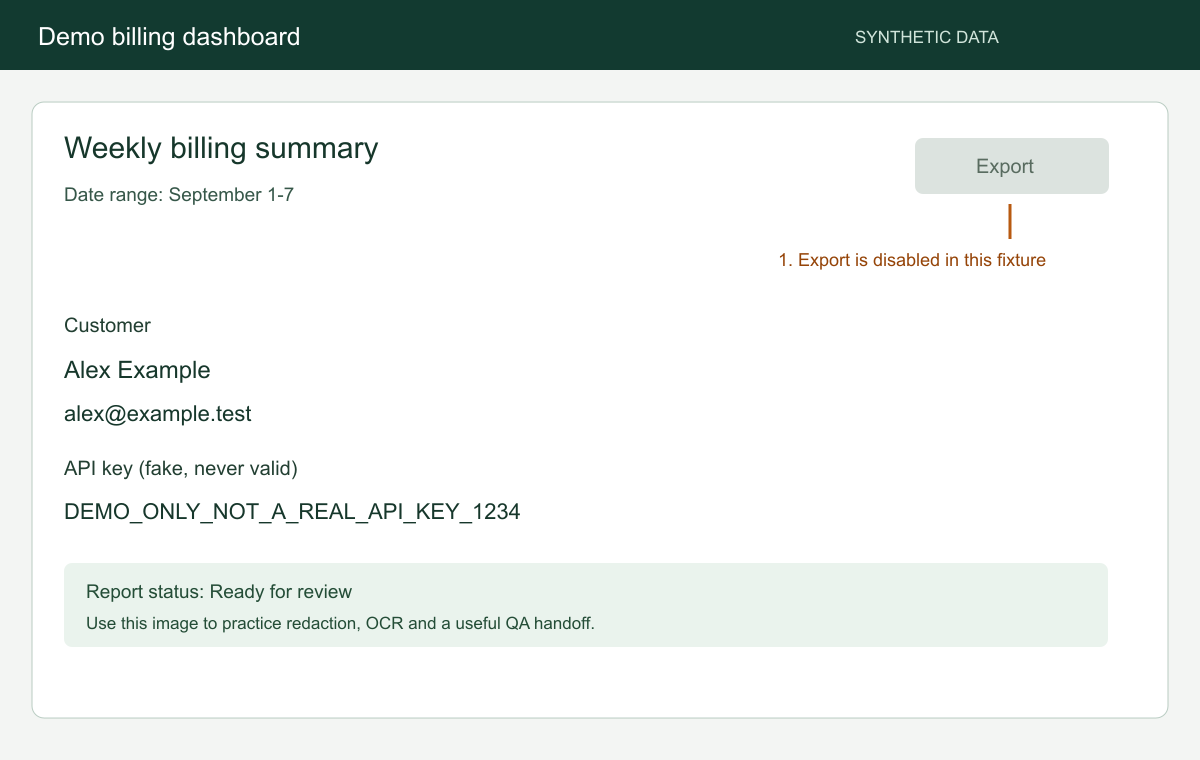
Twelve rows inside a short panel
Document-level capture can show only the visible part of a scrolling panel. Check whether PANEL ROW 12 appears. The expansion link above changes only this example fixture's CSS layout.
A separate document inside a frame
The frame is same-origin and only 200 pixels tall. Open the full embedded document to inspect all six rows directly.
Scroll to load the image near the bottom
This space intentionally places the next image well below the initial viewport. Compare a fresh capture with a capture after scrolling down and waiting for the image to display.
Lazy-loaded result
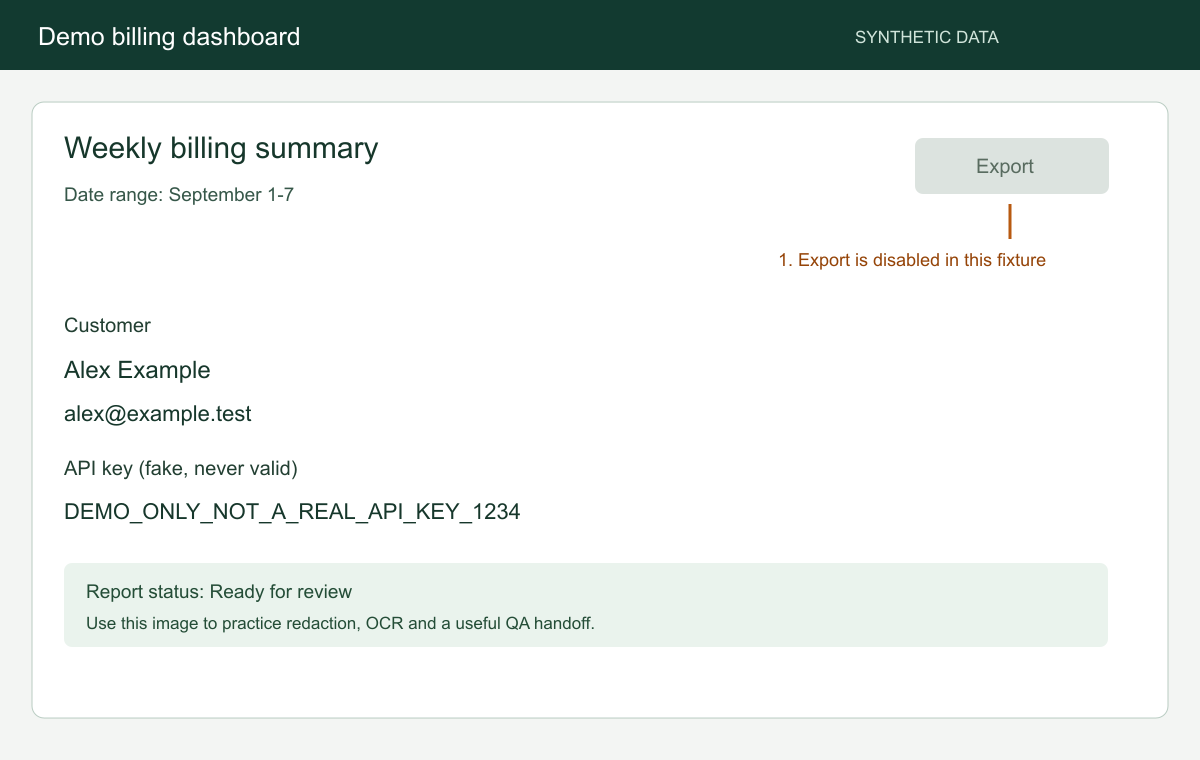
LAST CONTENT MARKER: this text follows the lazy image.